Starlink Router Setup & Configuration
A dish with a clear view is only half the job. Where the router sits, and how it is configured, decides what the connection actually feels like inside the building.
A dish with a clear view is only half the job. Where the router sits, and how it is configured, decides what the connection actually feels like inside the building.
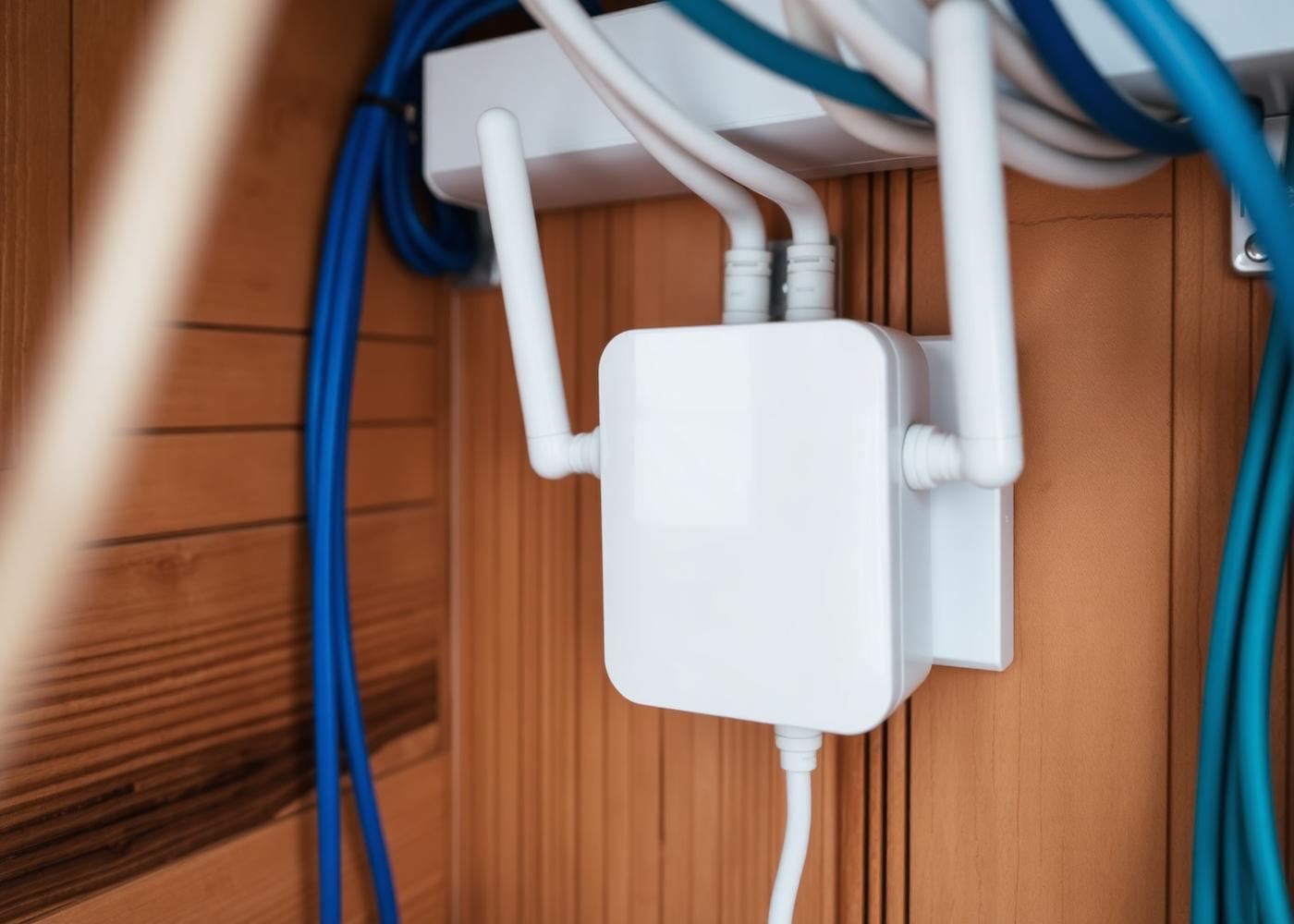
Routers pushed into a boot room, a cupboard or a thick-walled utility at the end of the house are the single most common cause of disappointing WiFi. We position the router centrally where the building allows, or extend the network so the router's location stops being the limiting factor.
We configure the Starlink router, or place it in bypass mode and integrate a third-party router where the property already has structured cabling, access points or a firewall. Devices are reconnected, network names are set sensibly, and we test in the rooms you actually use.
Send us your postcode, property details and a few photos and we'll come back to you with an installation quote.
Send your postcode and photos for a quote.